 SwiftPAT
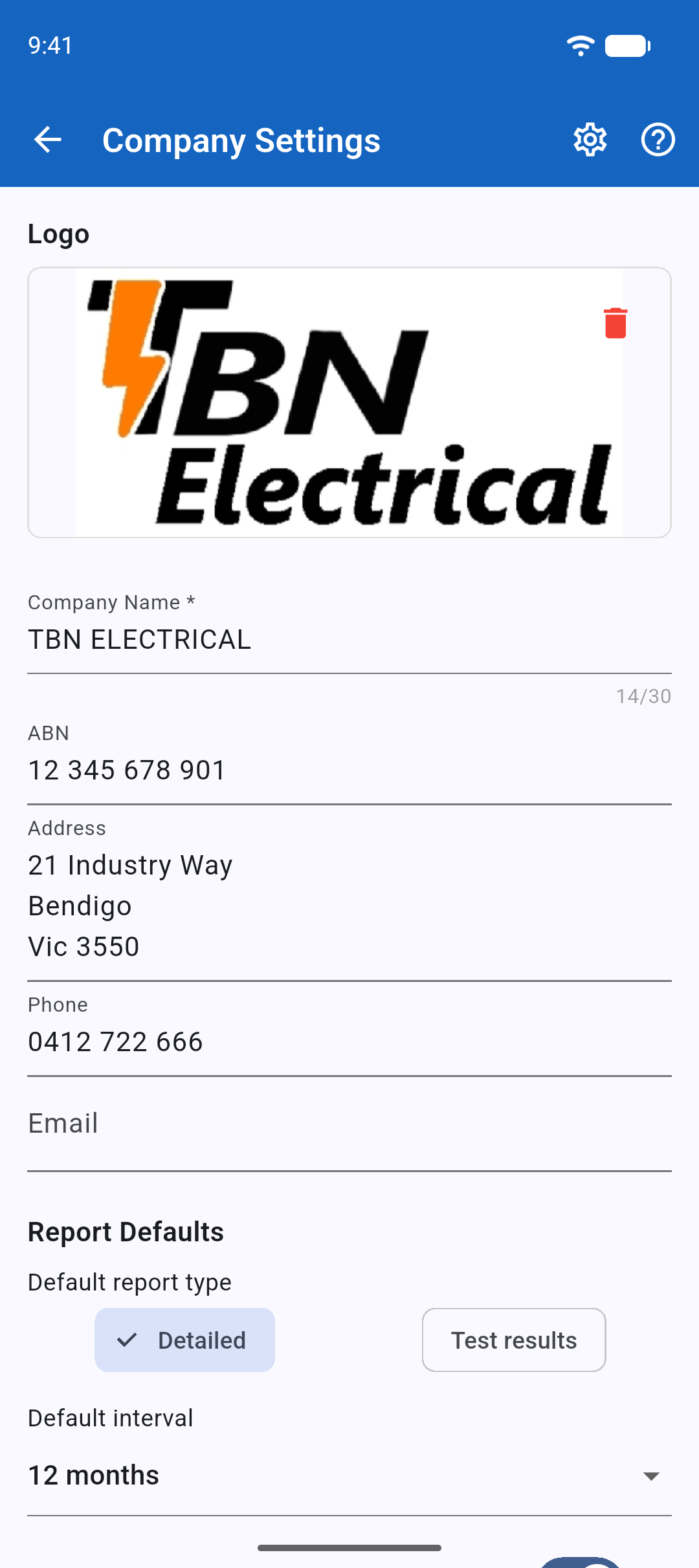
Your business name appears on every tag, while your business details and logo appear on reports. Set them up before your first job.
- Open Settings, then Company Settings under Your business.
- Enter your business name and contact details.
- Choose a logo image if you want one on tags and reports.
SwiftPAT requires a business name before it will print a tag, so the person or business responsible for the test is identified.