 SwiftPAT
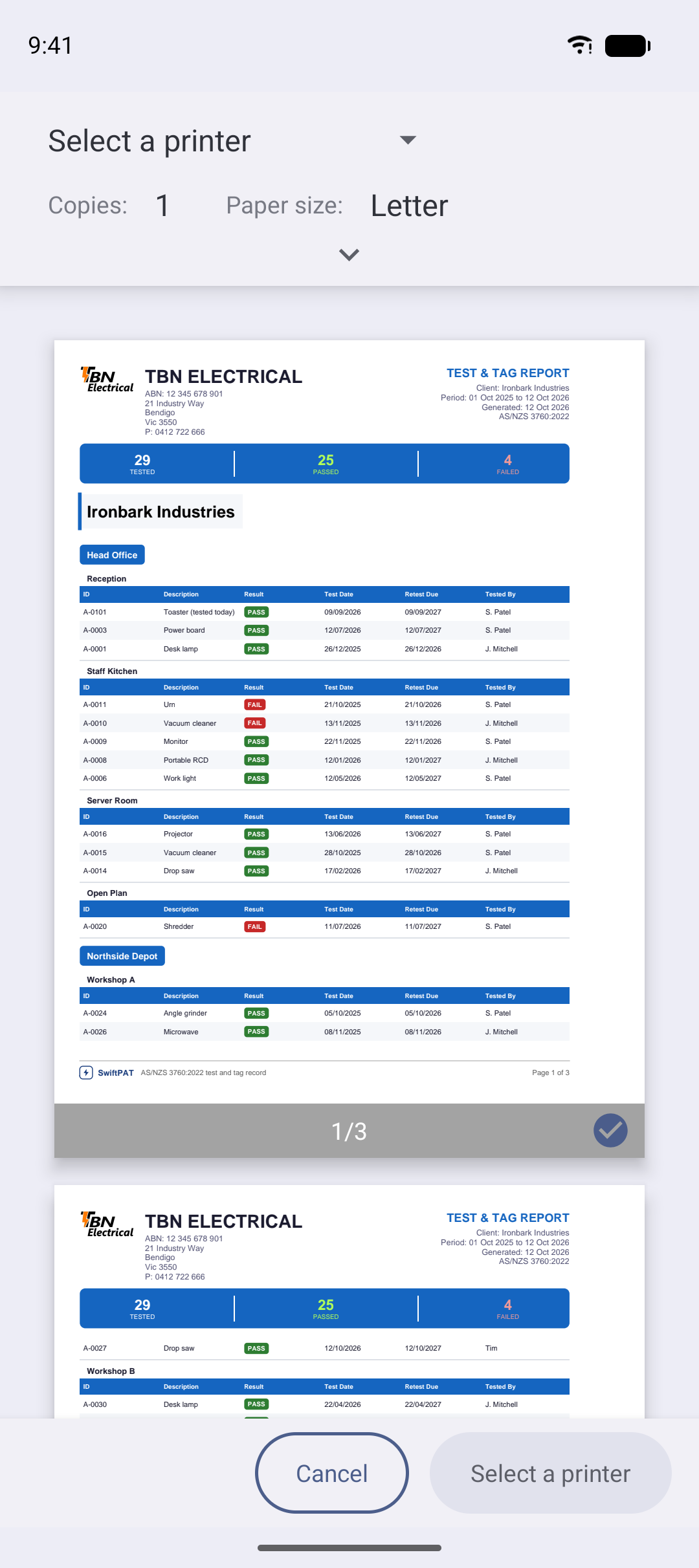
- Open Report from the home screen and choose the client.
- Choose a date range. Auto covers the last two weeks; Manual lets you pick.
- Choose the report type and format, then press Generate Report.
- Share it by email or any other app on your device.
Reports created with the free version include a faint SAMPLE mark. SwiftPAT Pro removes it.