 SwiftPAT
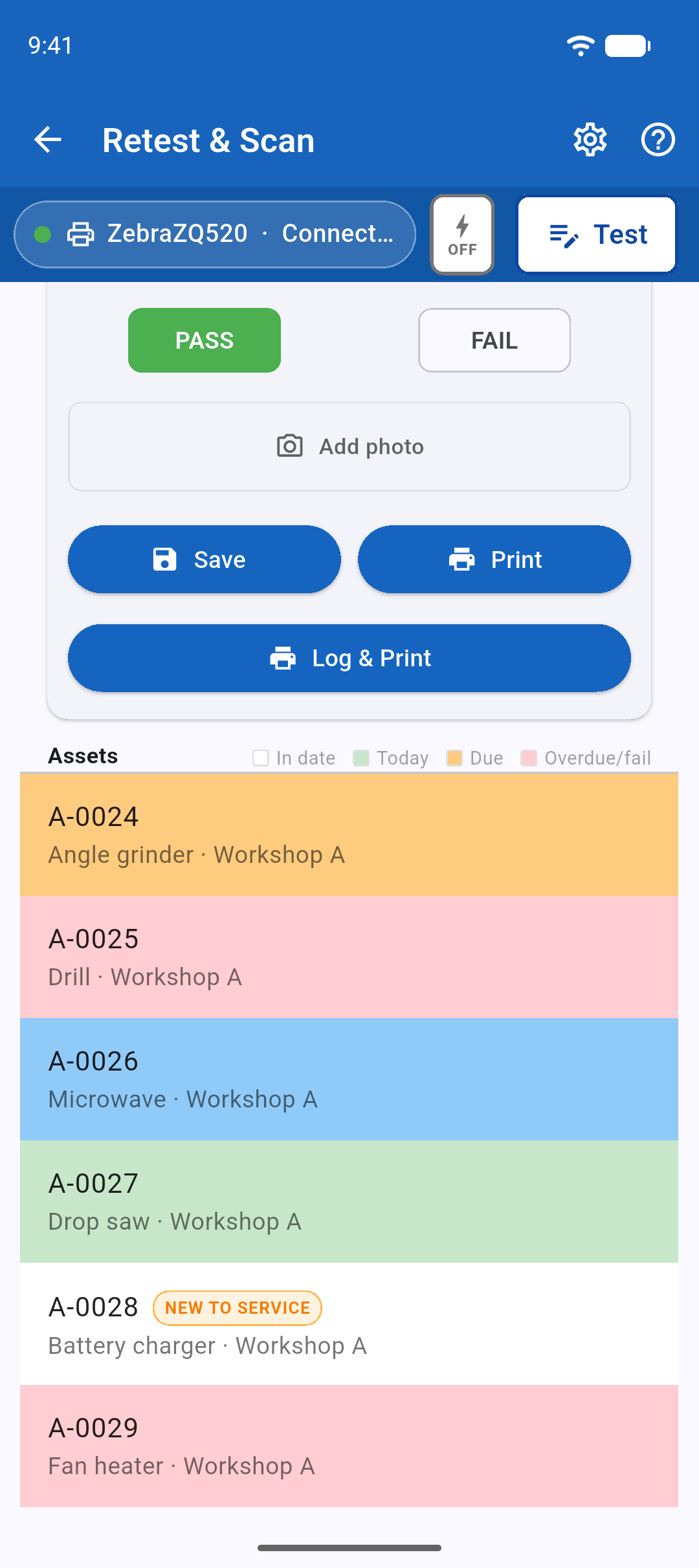
- Open Retest from the home screen.
- Tap Scan QR and point the camera at the tag. You can also type the ID or pick the appliance from the list.
- Test it, choose PASS or FAIL and press Log & Print.
If the appliance was recorded at a different site or location, SwiftPAT asks whether it has moved.
What the colours mean
- Green: tested today.
- Amber: due for retest.
- Red: overdue or failed.